 By Lucy Vale
Job application form fields explained - what "headline", "phone extension" and other confusing labels mean
Some job-application fields stop you cold - a box labelled just "Headline" or "Phone extension" with no explanation. Here's what each confusing field actually means, and exactly what to type in it.
You're filling out a job application when a field stops you: a box labelled just "Headline," or "Phone extension," with no hint of what it wants. Do you leave it blank? Will that hurt you? These are the fields people most often pause and search for mid-application. Here's what each one really means, and exactly what to put in it.
What is a headline in a job application?
A headline is a short professional tagline at the top of your application or candidate profile — one line that sums up who you are at work, usually your job title, your specialty, and one strength you're known for. It's a label for you, not a paragraph — that longer text goes in the separate "summary" field. Recruiters skim a headline in a couple of seconds, so keep it to about ten words.
What to type: your role, your specialty, and one thing that makes you stand out. For example, "Senior ICU Nurse | 8+ Years | ACLS-Certified" or "Marketing Strategist Who Grew Revenue 30%." Reuse a keyword or two from the job posting so it reads as tailored.
Common mistake: writing a full sentence or a career-objective line (that belongs in the summary), or just repeating your job title with nothing that stands out.
What is a phone extension on a job application?
A phone extension is the extra digits you dial after reaching a company's main switchboard number to be routed to a specific desk or person — for example, x1234. It's only that internal-routing tail of a phone number. It is not the area code, not the country code, and not a dialling prefix.
What to type: just the extension digits, if your number has one. Main line 202-555-0100, extension 1234 → you'd enter "1234." But here's the part that trips most people up: personal mobile numbers and direct lines don't have an extension at all, so nearly everyone should leave this field blank (or put "N/A"). It looks required more often than it actually is.
Common mistake: putting the area code (the first three digits of the number), the country code (+1), or the whole phone number in the box — none of those is an extension.
Other application fields that trip people up
- Area code — the 3-digit regional prefix at the start of a US/Canada phone number, identifying the calling region. For (415) 555-0182, the area code is 415. Don't confuse it with the extension (the tail) or the country code (+1).
- Suffix — the generational tag that comes after your last name and is part of your legal name: Jr., Sr., II, III. It is not a title before your name (Mr./Dr. is a prefix), and it's not your credentials. If your legal name has one, enter it; otherwise leave it blank.
- Middle initial (MI) — just the first letter of your middle name (Robert J. Smith → "J"). If you have no middle name, leave it blank; you don't need to type "N/A."
- Preferred name — the first name you actually go by when it differs from your legal first name — a nickname or chosen name. It only tells the employer how to address you; it does not replace your legal name elsewhere on the form. Legal name "Robert," go by "Bob" → enter "Bob." If you put your legal name here, a good time to mention the name you go by is later, during onboarding, once the offer is in hand.
- Work authorization vs. sponsorship — people mix these two up all the time, and the wording is often a confusing double negative. Work authorization asks whether you can legally work in the country right now. A citizen, a permanent resident (green card), or someone on a valid permit (OPT, CPT, or a work visa) answers yes. Sponsorship asks whether the employer would have to file and pay for a work visa for you now or in the future (often an H-1B). The key point: you can be allowed to work today (say, on OPT) and still need sponsorship later — they are two separate questions. Answer both honestly. If your answers don't match your real status, it comes out anyway: before you start, the employer confirms everyone's right to work with a government form called the I-9. Even experienced applicants find this pair confusing, so if the wording won't parse, you're not alone.
- Notice period — how long you have to keep working for your current employer after you resign, before you can start a new job. It's about when you can start, not about time off. Enter what your contract requires, or your real availability: "2 weeks," "1 month," or "Available immediately" if you're not working right now. Senior roles and some contracts can run one to three months, and notice periods vary a lot by country. In the US there's no law that makes you give notice — most jobs are "at-will," and two weeks is simply the custom.
- Desired / expected salary — the pay you're seeking for this role (usually annual, pre-tax), not what you currently earn. A researched range is usually safer than a single hard number. We go deeper on what to actually put — and how to handle a required field that rejects "negotiable" — in tips for filling out job applications.
- References ("available upon request") — people, usually former managers or colleagues, who have agreed in advance to speak for your work. You give each person's name, your relationship to them, and their contact details. A reference speaks for you; a referral is the person who pointed you to the job — not the same thing. Today's advice is to drop the "available upon request" line and just give references when they're asked for. Many people worry that leaving it off signals they have no references. It doesn't — you can safely drop it.
- How did you hear about us? — a tracking question about where you found the posting; there's no "right" answer, so just name the real source ("LinkedIn," "Company careers page," "Job fair"). If an employee referred you, name them here — a referral usually helps.
The fields that aren't lookups
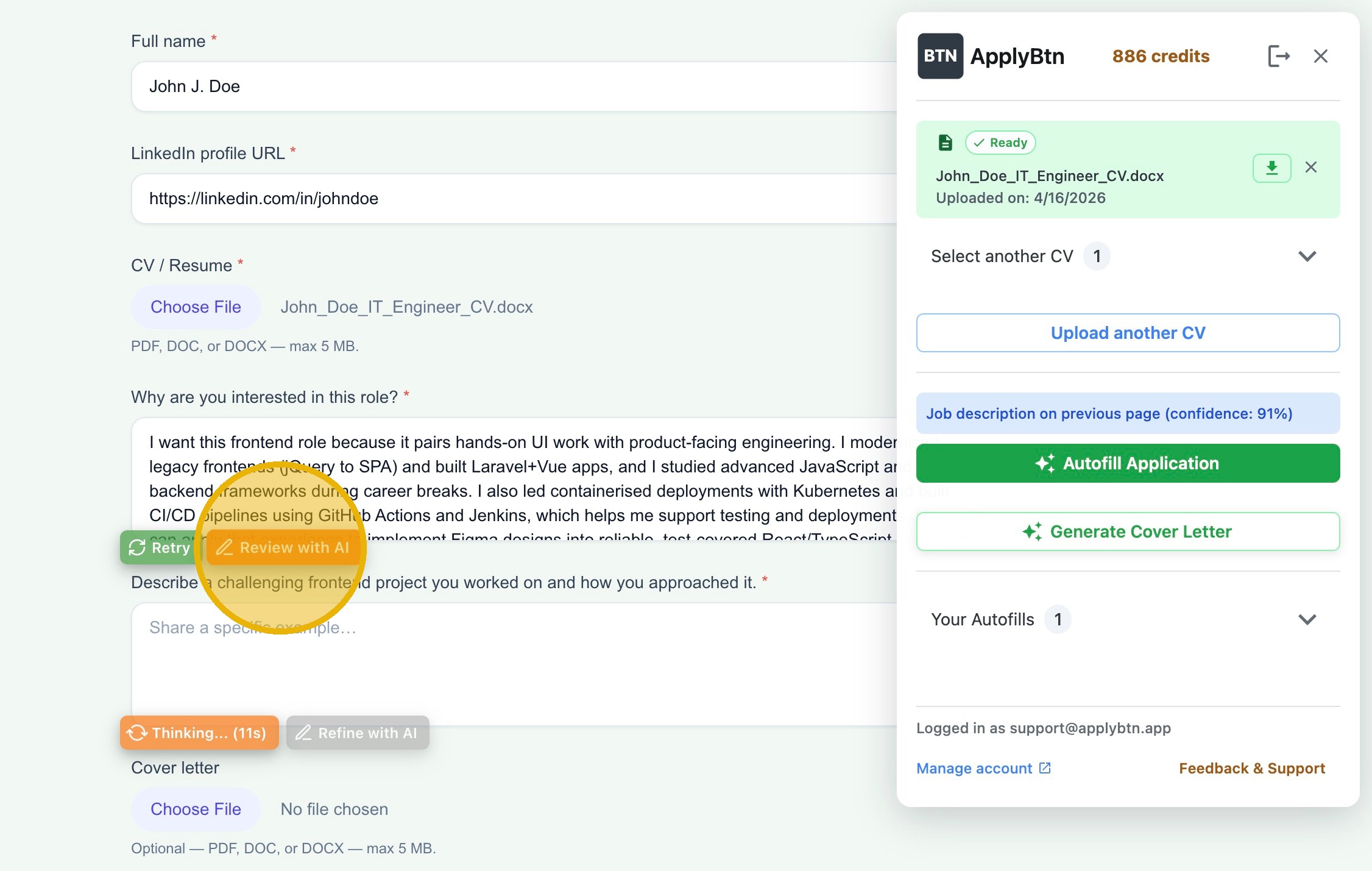
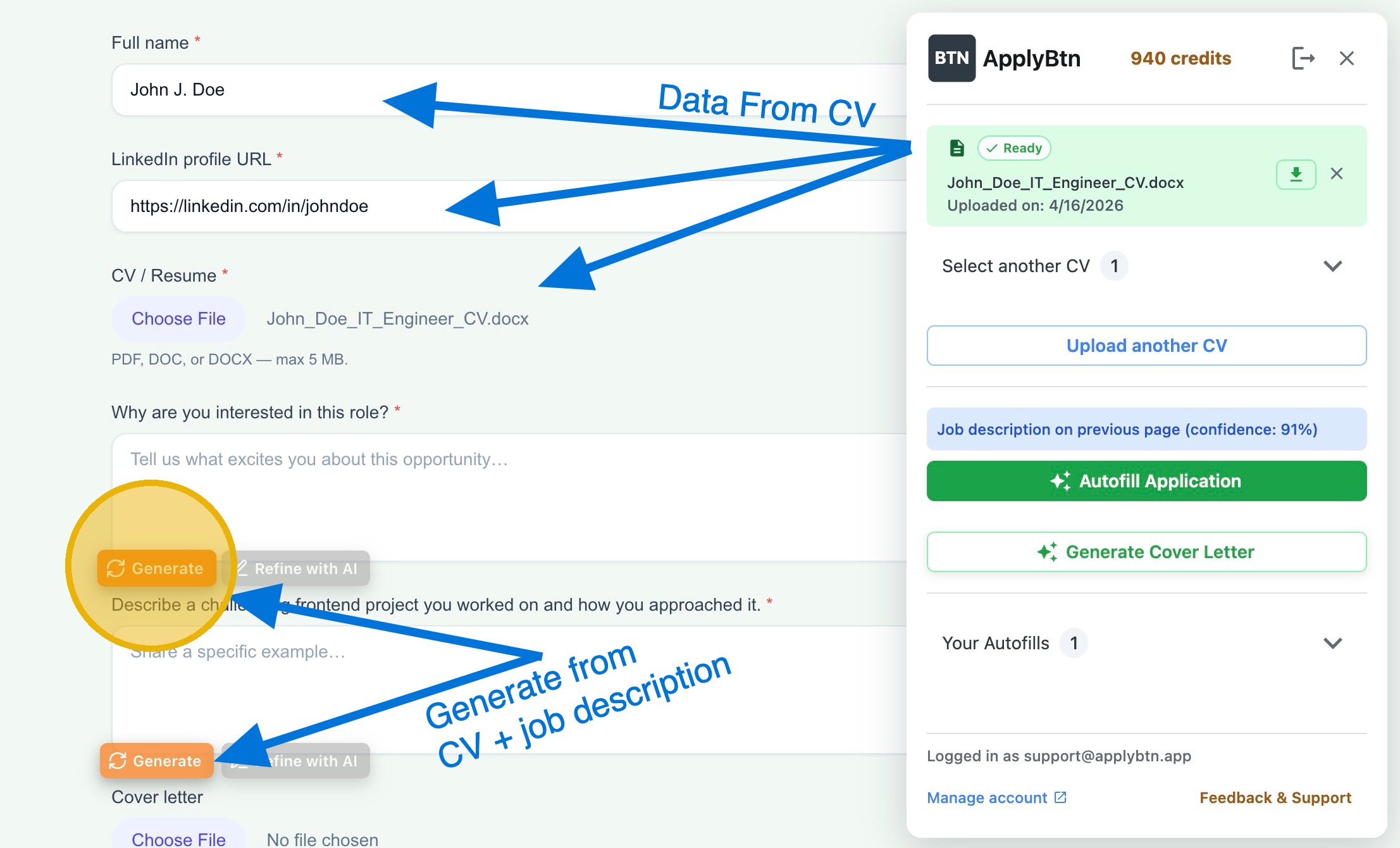
Some boxes aren't asking "what does this mean" — they're open questions like "Why do you want to work here?" or "Describe your relevant experience." Those need a real answer, not a definition: we cover the first one in how to answer "why are you applying?", and a job application answer generator drafts them from your CV and the specific posting so you're editing instead of staring at a blank box. For everything else — the repeated name, contact, and work-history fields — autofill fills them in so you only decode a confusing label once.
From building ApplyBtn's autofill, one pattern is worth flagging: the plain text fields above — headline, name parts, phone — fill straight from your CV, but the ones that aren't plain text are the ones to check by hand. Work authorization is a yes/no dropdown, and on the big multi-step forms built on an ATS (applicant tracking system) like Workday, the dates are split into separate day, month, and year pickers and the location fields are custom search boxes — the kind of controls autofill often can't set. Those are the fields to fill or confirm yourself. ApplyBtn never submits for you either: you review, then send.