 By Lucy Vale
Cover letter format - what still matters now that the letter left the letterhead
Classic cover letter format guides still teach 1950s business-letter anatomy - addresses, date, inside address - for letters that mostly get pasted into a plain-text box. Here's the format hiring managers actually check, the paste-box rules, and the letterhead you can finally drop.
Here's the short version: cover letter format barely matters anymore. As long as the letter looks neat, the layout details you were told to worry about make almost no difference.
The clearest take comes from Alison Green, who writes the Ask A Manager advice column and has hired plenty of people herself. When a reader agonized over letterhead and layout, her answer was blunt: "No one cares! Seriously. No one cares." What matters, she wrote, is that the letter looks neat and professional — line breaks between paragraphs, black font, a normal greeting and sign-off. Letterhead or none, a scanned or a typed signature, justified text or not: she says none of those little details will get you rejected.
Recruiters in online forums say much the same, just more bluntly: format only matters for how easy the letter is to skim — and a quick skim is the best case you can hope for. So the classic format guides — your street address at the top, the date, the company's postal address, one-inch margins, block format — are teaching the layout of a printed letter. But most people now paste their letter into a web form that strips all of that out.
The only format rules anyone still checks
- Greeting: "Dear Hiring Manager," or a real name. Nothing above it — no address block.
- Shape: three or four short paragraphs, with a blank line between each. (How much text that adds up to is its own question — how long should a cover letter be has the honest numbers.)
- Font: plain black text. No tables, no graphics, no columns.
- Sign-off: "Sincerely" or "Best regards," then your name. A typed name counts as a signature now.
- Leave out (for online applications): your street address, the date, and the company's postal address. Add your city and country only if location really matters for the job.
Here's the key point: format works in only one direction. In the hiring advice we read, no one says a letter won because it looked good — but plenty of people say letters lose points for a wall of text, a messy copy-paste job, or the wrong company name left in a reused header. So "neat and forgettable" is the goal. Put the effort you save into the writing instead — that's how to write a cover letter that actually moves the needle.
Format for the paste box (where most letters actually go)
Many online applications ask for your cover letter in a plain-text box on the form. It's a plain text field, which means it keeps almost nothing: bold, bullet points, letterhead, fonts, and signatures all disappear. Only line breaks survive. People describe pasting a nicely formatted letter and watching it collapse into one big block of text. And the people reading those boxes say they are mostly checking two things: did you follow the instructions, and are there typos? A few relevant sentences, then stop.
The paste-box rules:
- Strip it down first. Write it as plain text, or convert it: short paragraphs, a blank line between each, no formatting.
- Delete the whole header block. A pasted letterhead turns into junk lines right where a busy reader looks first.
- Re-read it after pasting. Fixing merged paragraphs and broken "smart quotes" (curly marks that come out as odd symbols) takes ten seconds, and most people skip it.
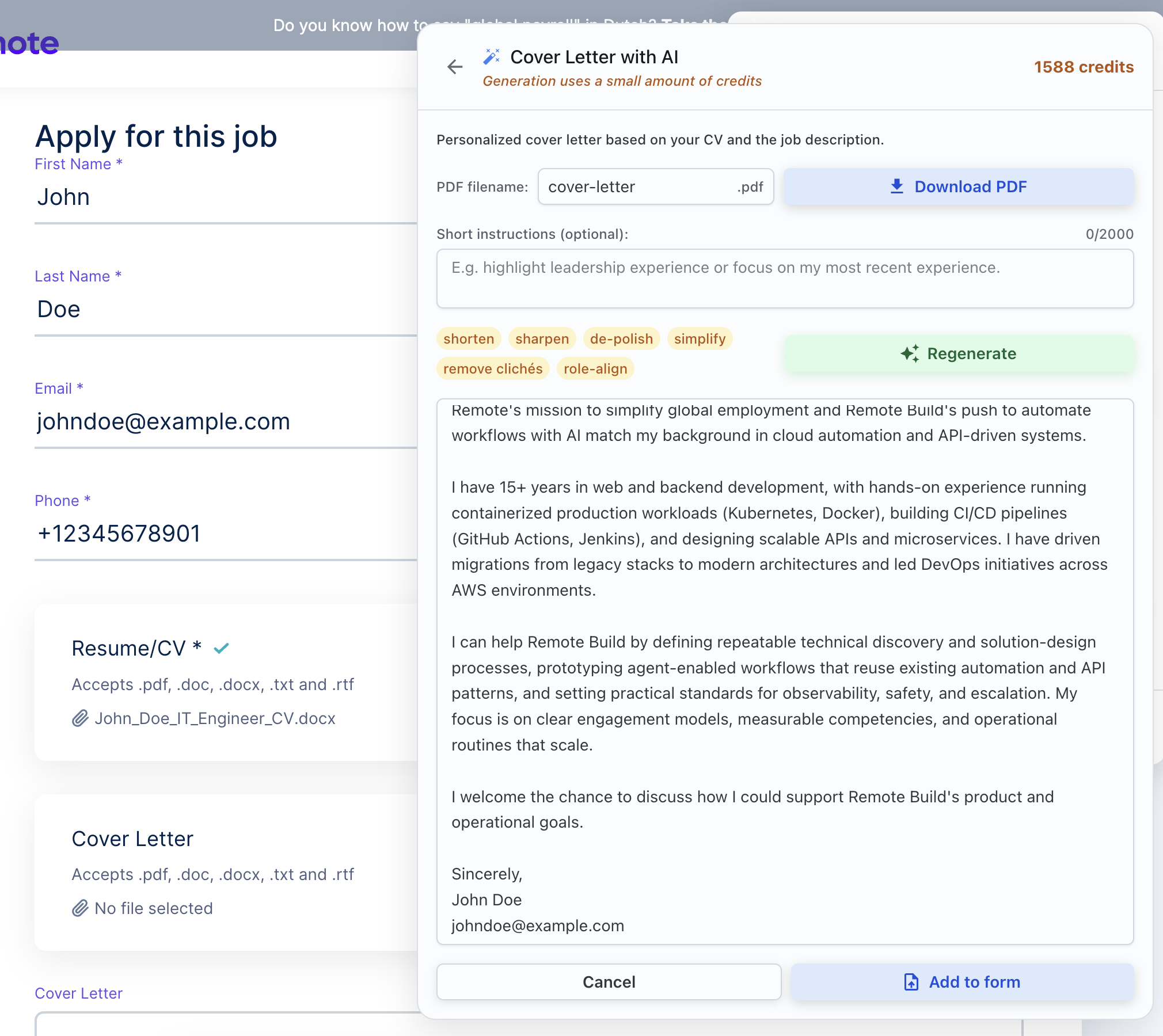
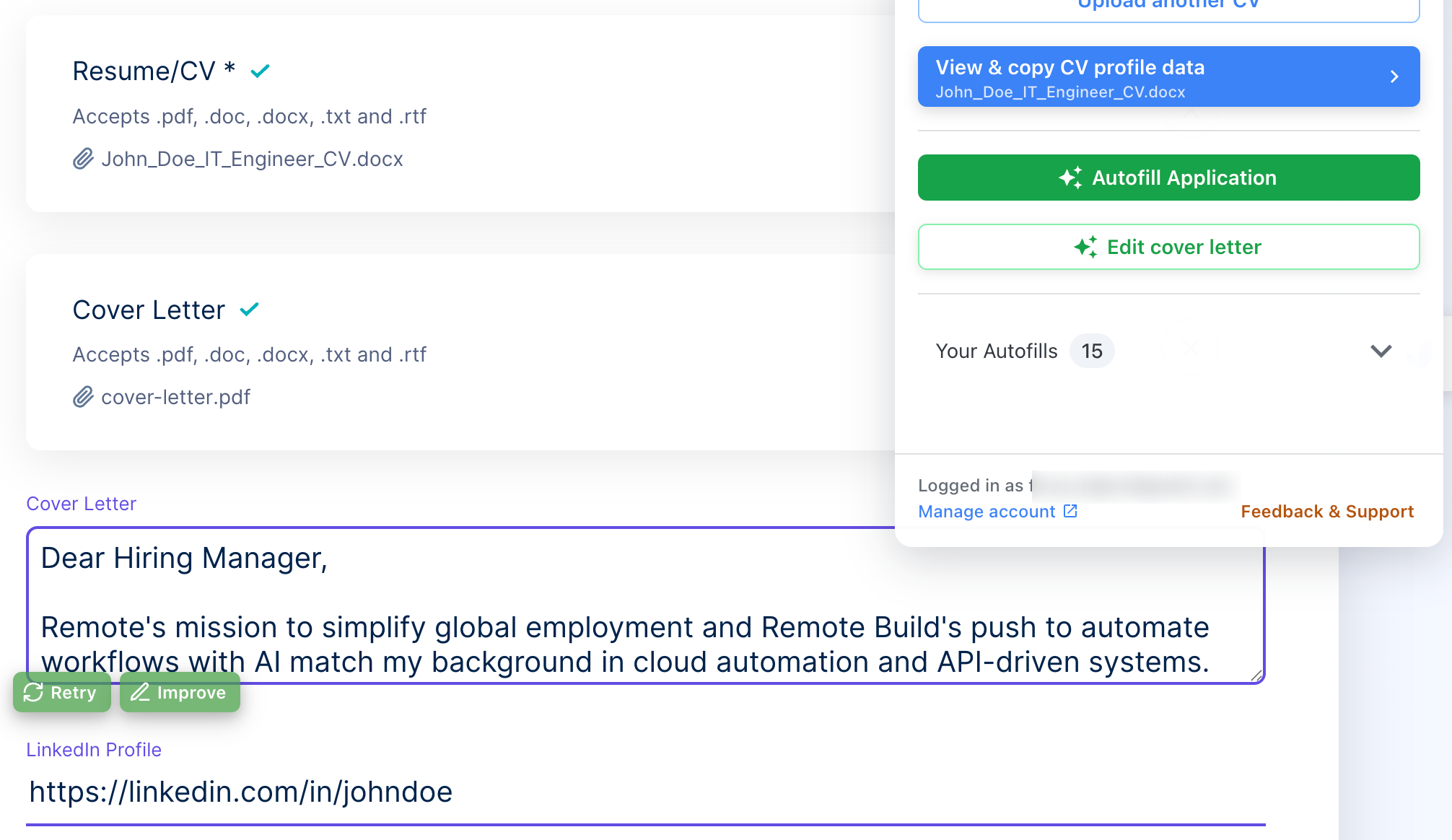
This is one case where writing the letter right on the page beats formatting one somewhere else. ApplyBtn's AI cover letter generator works inside the application page: it drafts the letter as plain text, straight into the field you are filling, using your CV and the job posting — and then you read it over and edit it before it goes anywhere. There's no letterhead to strip out and no formatting to lose.
Uploading a file: PDF, and make it copy-pasteable
When the application lets you upload a file, send a PDF. Your layout stays intact on any device, and it's the format most career advice recommends. One request that comes up often from recruiters: make sure the text can be selected and copied, because letters do get quoted and passed around. A small bonus, if you want it: matching the header style of your resume and letter makes them look like one tidy set. That's as far as design needs to go.
Emailing it: body or attachment, never neither
For email applications, the answer is again "it doesn't matter." You can paste the letter into the body of the email, or attach it next to your resume — both are fine. There are only two real mistakes: doing both (the same letter twice) and doing neither. A blank email with just attachments looks careless. If you attach the letter, the email body only needs two polite lines: what's attached, and which role you're applying for.