
Multilingual Job Description Detection and Form Autofill
ApplyBtn detects job descriptions and helps complete application forms across 12 supported languages on international and local job sites.
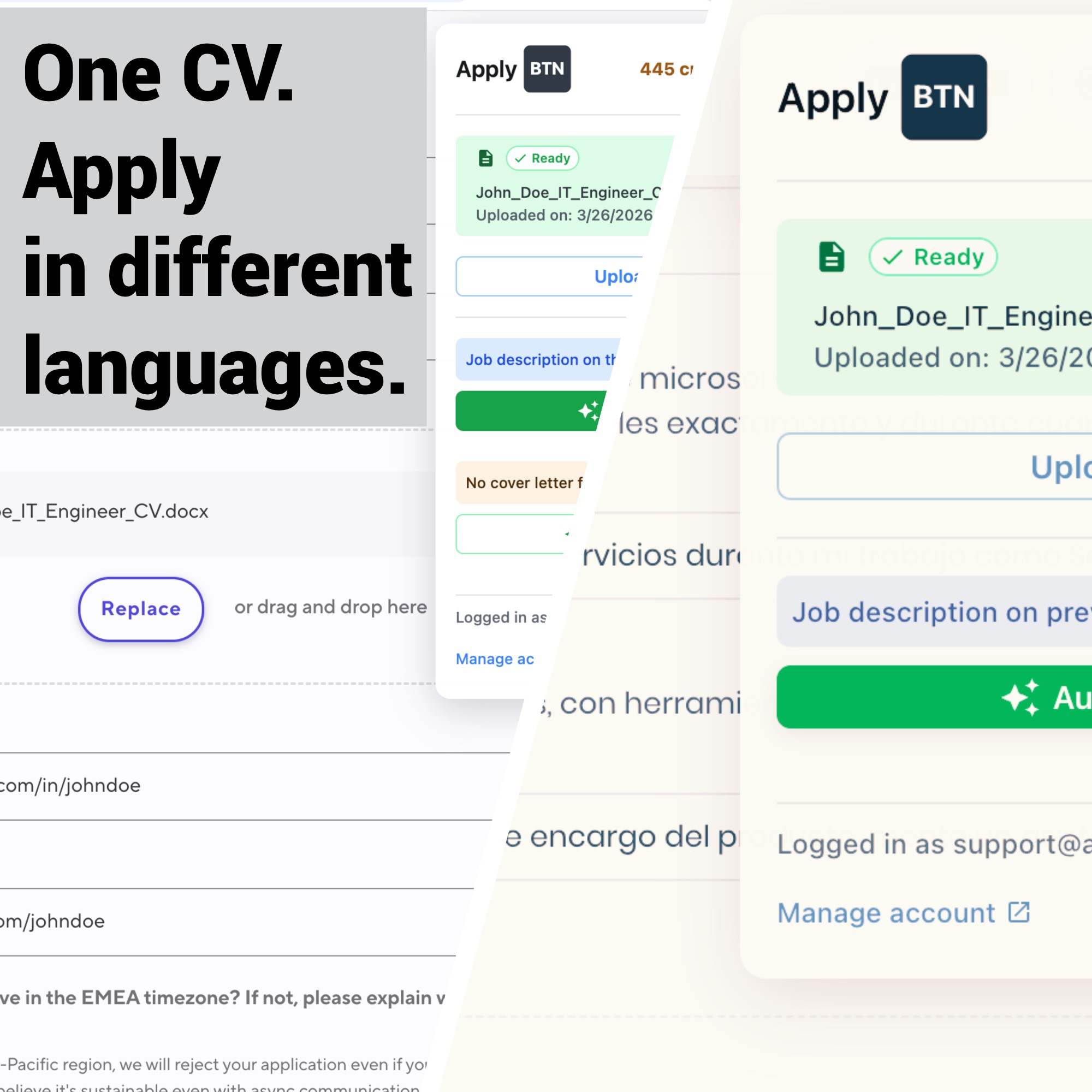
Starting with v1.1.0, ApplyBtn works in 12 languages. It can find the job description on a page — the text that describes the role and its requirements — and help autofill the application form. Autofill means it fills in the form fields for you.
Job hunting often means dealing with more than one language. A company may post a job in English but use a local-language application form. During one search, you may also move between big international job boards, regional career sites, and company hiring pages.
ApplyBtn can now recognize job content and help with application forms in the language on the page. So the same help works beyond English-only job sites.
What changed in v1.1.0
Before, ApplyBtn was tested mostly on English job descriptions and forms. Version 1.1.0 extends detection and autofill to these languages:
- English
- Spanish
- Dutch
- German
- French
- Italian
- Swedish
- Norwegian
- Danish
- Portuguese
- Turkish
- Polish
This wider language support helps at two key steps:
- finding the job description and other job content on the page
- understanding and filling in the fields of the application form
The goal is not just to translate single words. ApplyBtn uses the job description, the form's questions, and the details in your CV to write answers that fit.
How multilingual job detection works
Before ApplyBtn can help, it needs to know whether the page really holds job information.
Job sites describe jobs in many ways. Headings, field labels, menus, and instructions change from one language and platform to the next. A page in Spanish, for example, can use very different words from an English careers page — even when both show the same kind of role and the same steps.
Multilingual detection helps ApplyBtn read this context in all the supported languages. So the extension can work on more local employer sites and regional hiring platforms, not only pages written in English.
Detection can differ from site to site, because career pages are built in different ways. Some show the full job description and form on one page. Others split the process across several pages or load parts of the page only when they are needed.
How multilingual form autofill works
Once ApplyBtn finds the job and its form, it can help fill the fields it supports, using your CV and the information on the job page.
For example, a form may ask:
- why you want the job
- whether you have a certain skill
- how your past work fits the role
- whether you meet a certain requirement
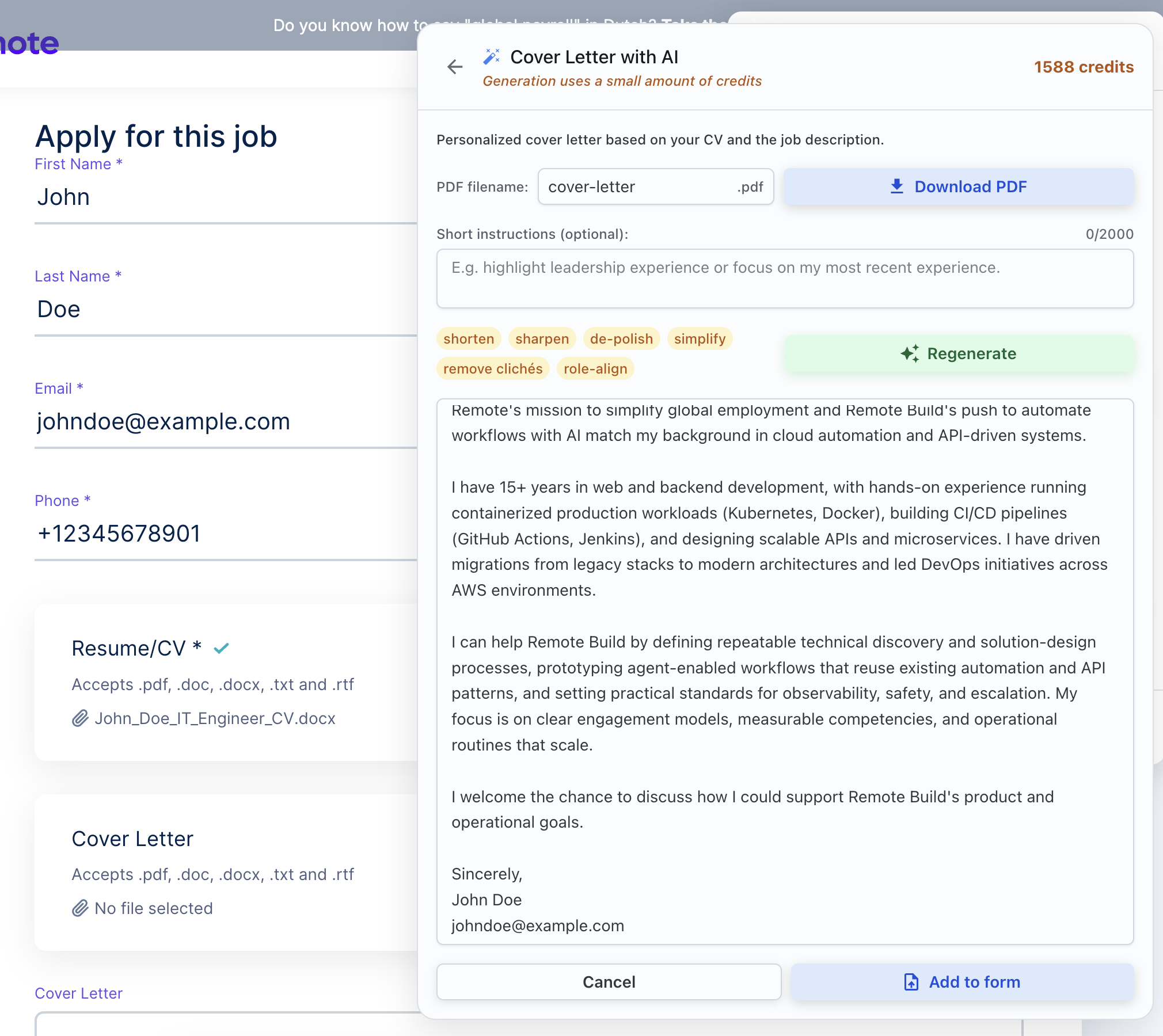
- for a short cover letter or introduction written for this job
ApplyBtn looks at the meaning of the question, not just a fixed English label. Then it writes an answer that fits the question, the job description, and your experience.
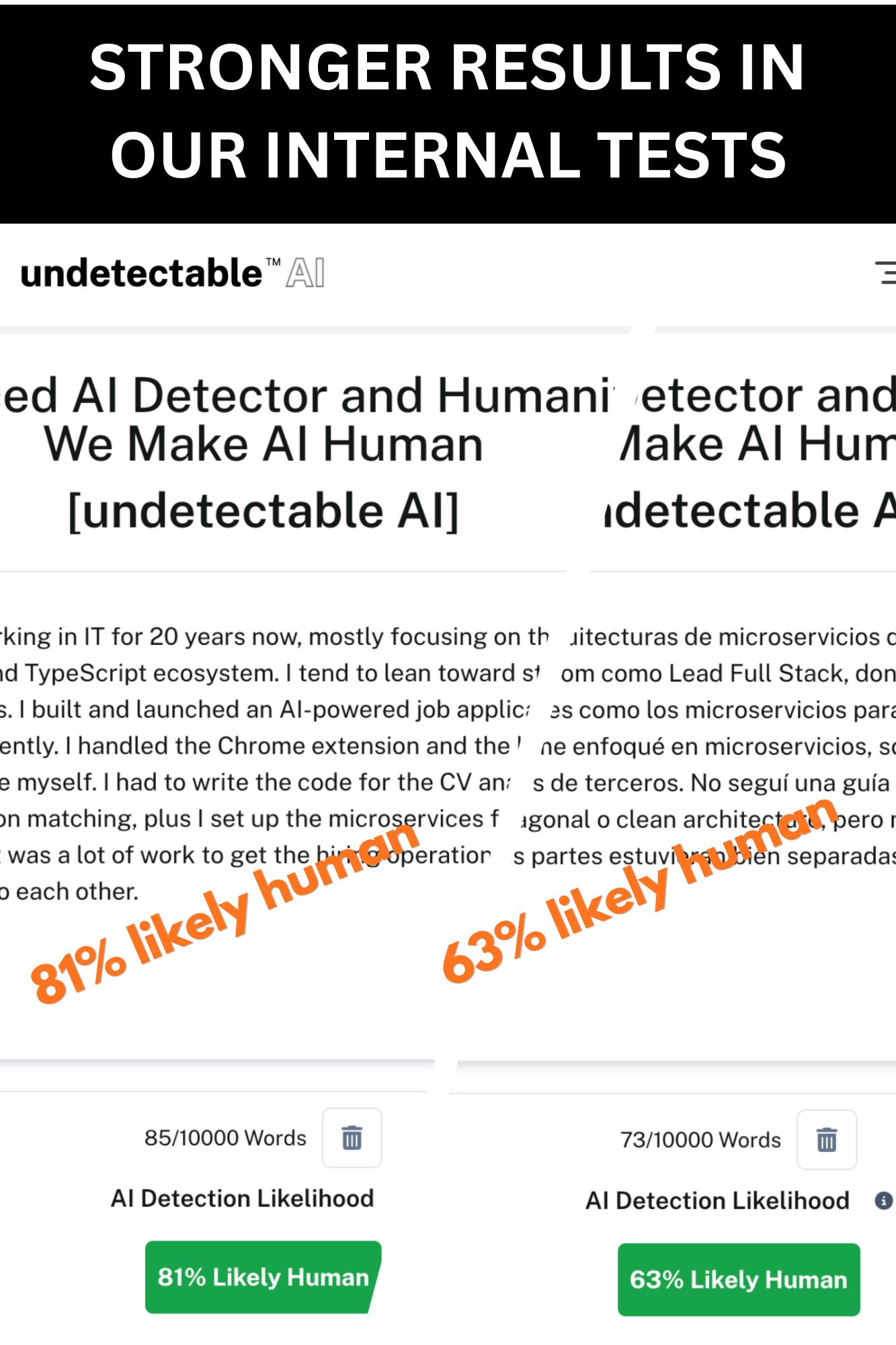
If the form is in French, the answer follows the French context of the form. If the next form is in Dutch, ApplyBtn can answer in Dutch. You do not need to change anything in the extension.
You can learn more about the process on the ApplyBtn autofill feature page.
An example across different job sites
Imagine you apply to three companies:
- The first company posts its job and form in English.
- The second posts the job in English but shows its form in German.
- The third uses Spanish for both the job description and the questions.
ApplyBtn can help with each form using the language and job context on that page. You do not need to set up anything different for each language.
Your CV stays the single source of your experience, education, and skills. ApplyBtn uses it to prepare answers that fit, and you check the results before you submit anything.
Why this matters for international applicants
Multilingual support is especially useful for:
- people applying in their own language
- expats looking for jobs in a new country
- multilingual professionals applying in several countries
- international graduates
- remote job seekers applying to companies in different regions
- people who move between global job boards and local company sites
Without multilingual help, you may have to read every field yourself, switch again and again between the form and a translation tool, and rewrite the same information for each language.
Understanding the full context of the application cuts down this repeated work, while you stay in control.
What this update does not do
ApplyBtn does not submit applications for you. You can always review and edit the answers before you decide what to send.
This update also does not make ApplyBtn behave the same on every website. Application systems use different layouts, custom fields, multi-step forms, dropdowns, and content that loads step by step. Language support helps ApplyBtn understand the content better. But on multi-step forms and custom dropdowns, you may still get a partial fill and need to finish a few fields by hand. What works can also depend on how the site is built.
English has had the most real-world testing so far. The other languages use the same product flow, but support for unusual wording and site-specific cases will keep improving as more people use it.
Building broader support
Version 1.1.0 is a step toward making ApplyBtn useful in more countries, on more hiring platforms, and in more application languages.
You should not be stuck with English-only job sites just because a tool cannot read local content. With multilingual job description detection and form autofill, ApplyBtn can help with a wider range of real international and local job searches.